

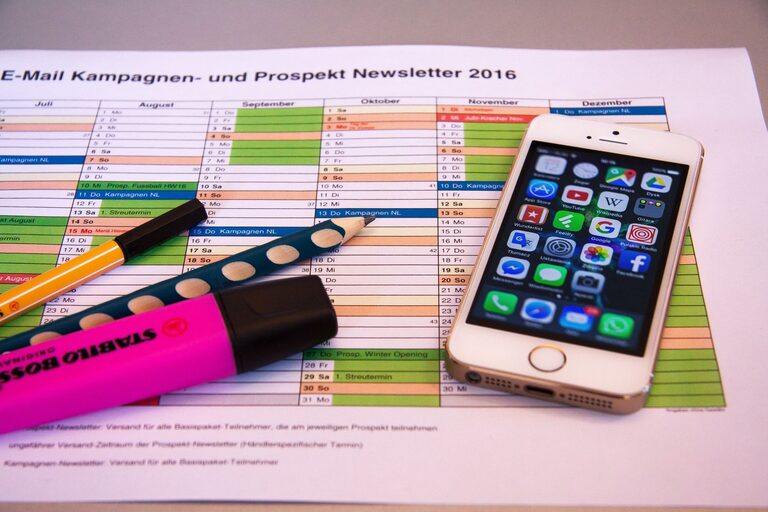
In today’s world, our digital devices hold vast amounts of information, from photos and emails to files and apps. Over time, this digital clutter can slow down our devices, make it harder to find important information, and even lead to feelings of overwhelm. Decluttering your digital life is a rewarding process that can improve your focus and productivity. Here’s how to get started.
Why Declutter Your Digital Life?
Just like cleaning a physical space, decluttering your digital environment helps reduce stress and improve efficiency. A clean digital space allows you to find what you need quickly, protect your privacy, and maintain your devices’ performance.
Step 1: Audit Your Digital Space
Start by taking a look at what’s on your devices. This includes your:
– Computer desktops and folders
– Smartphone apps and files
– Email inboxes
– Cloud storage accounts
– Social media profiles
Make a list of all the places where you store information digitally. This overview will help you plan your decluttering process.
Step 2: Clean Up Your Email Inbox
Emails often pile up unnoticed, causing stress and distraction.
Tips for Email Decluttering:
– Unsubscribe from newsletters and promotional emails you no longer read.
– Create folders to sort emails by category or priority.
– Use search and filter tools to delete old or irrelevant emails in bulk.
– Aim to keep your inbox below 50–100 messages for easier management.
Step 3: Organize and Delete Files
Your computer or mobile device can get bogged down with duplicate and unnecessary files.
How to Manage Files Effectively:
– Sort files by date or type to identify what’s outdated.
– Delete downloads, duplicates, and old documents you don’t need.
– Use consistent naming conventions for files and folders to make them easy to find.
– Back up important files on an external drive or cloud storage and delete local copies to free space.
Step 4: Streamline Your Apps and Software
Too many apps can slow down your device and cause distraction.
– Review all installed apps and software.
– Delete those you haven’t used in the past 3–6 months.
– Update the remaining apps to ensure security and better performance.
– Organize apps into folders by category for easier access.
Step 5: Manage Your Digital Photos and Videos
These files often consume a large amount of storage.
Tips for Photo and Video Decluttering:
– Delete blurry, duplicate, or unwanted photos and videos.
– Transfer important media to cloud storage or an external hard drive.
– Use photo management apps to tag and organize images by date, event, or people.
– Regularly back up your photos to avoid data loss.
Step 6: Maintain Your Online Presence
Social media and online accounts can also contribute to digital clutter.
– Review and update your friends or follower lists.
– Unfollow or mute accounts that no longer interest you.
– Delete unused or outdated social media accounts.
– Check privacy settings to keep your information secure.
Step 7: Adopt Good Digital Habits
Once your digital space is organized, maintain it with these habits:
– Set aside time weekly or monthly to clean and organize files and emails.
– Delete unnecessary files immediately instead of letting them accumulate.
– Limit the number of apps and accounts you create.
– Use tools like password managers to keep login information secure and organized.
Tools to Help You Declutter
Consider using helpful tools to simplify the process:
– Email management: Clean Email, Unroll.Me
– Duplicate file finders: CCleaner, Duplicate Cleaner
– Photo organizers: Google Photos, Apple Photos
– Password managers: LastPass, Dashlane
Final Thoughts
Decluttering your digital life may take a bit of time upfront, but the benefits are worth it. You’ll enjoy a faster device, easier access to information, improved privacy, and less stress. Start small, be consistent, and watch your digital world transform into a calm and organized space.
By keeping your digital environment tidy, you’ll create room for new ideas and experiences without the cluttered baggage of old files and distractions. Happy decluttering!